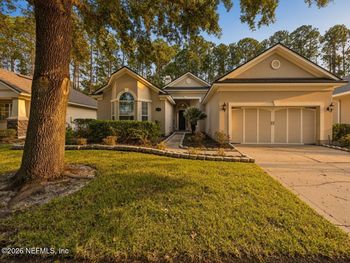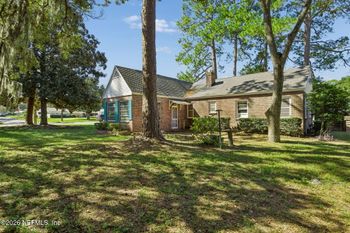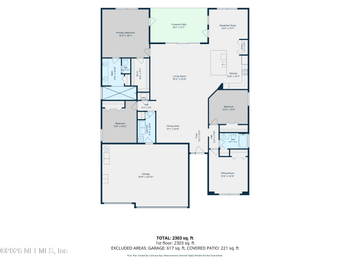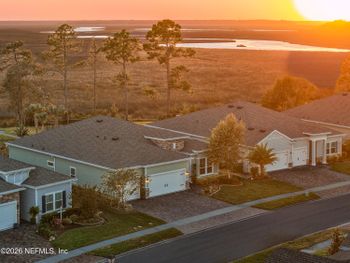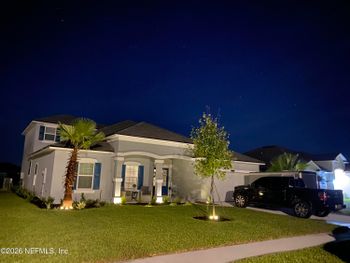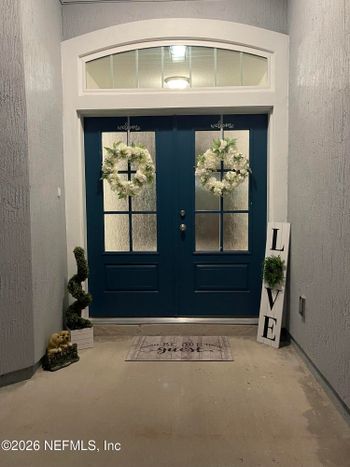
$465,950
Active
3
Beds
3
Baths
1718
Sqft
--
Acres
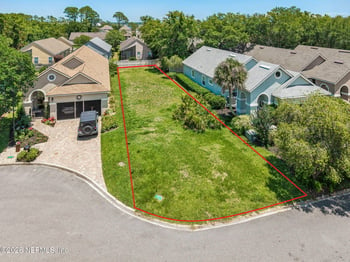
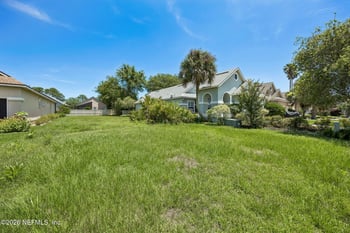
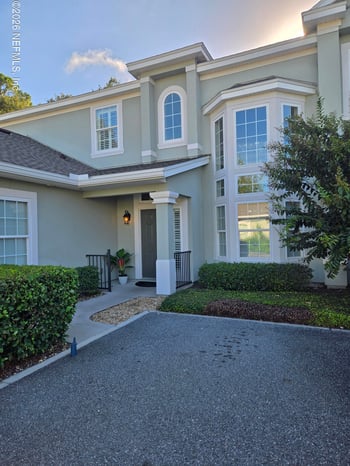
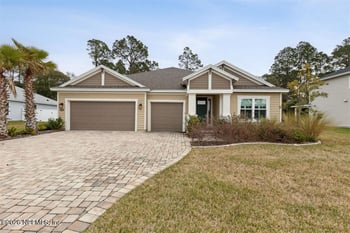
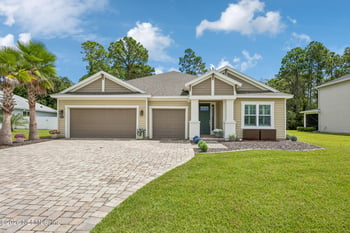
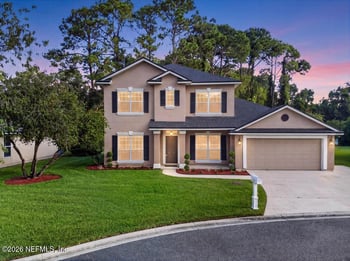
2158 Hibiscus Ct, Fernandina Beach, FL 32034
MLS#: 2166377


.jpg)
Fernandina Beach Homebuyers • Nassau County School Assignment
Two homes can appear in the same Fernandina Beach search but lead to different school routines. One address may follow the Fernandina Beach pathway; another may fall in the Yulee area. And even within Fernandina’s pathway, a first-grader and a fourth-grader attend different elementary campuses. That matters when you’re weighing a home, a commute, and the school-day schedule together.
Nassau County public-school assignment starts with the actual residence, student’s grade, and intended school year—not the mailing city, the nearest campus, or a listing’s school label. Here’s how to check the assigned schools, prepare to enroll after a move, evaluate school choice, and find out whether a bus fits the plan.
Treat them as separate answers.
1) Assigned schools: Which campus serves each grade at this residence for the year you need?
2) Registration: Will your closing, lease, and residency documents line up with enrollment?
3) A different school: Is there a current choice or transfer path, and does it require approval?
4) Transportation: Is the student eligible for a bus, and where would the stop be?
The district’s published Fernandina Beach attendance pathway runs from Southside Elementary (K–2) to Emma Love Hardee Elementary (grades 3–5), then Fernandina Beach Middle (6–8) and Fernandina Beach High (9–12). For siblings in first and fourth grade, that means two elementary campuses to account for—something you may not catch from a listing that shows only an “elementary school” field.
In the published Yulee pathway, Yulee Primary covers K–2 and Yulee Elementary covers grades 3–5. Wildlight has a separate K–5 elementary attendance area. The published secondary pathway for those Yulee and Wildlight elementary areas is Yulee Middle (6–8) and Yulee High (9–12). These are area pathways, not an assignment for an unverified property. Check your child’s grade and the actual address before building a home search around one school name.
The local contrast: “Fernandina Beach” in a mailing address or property search does not replace the school district’s attendance-zone result. Compare the complete school path, not simply the distance to an elementary campus.
Daily geography matters beyond school too: Living in Fernandina Beach: downtown, beach access, and commute routes.
The geographic attendance descriptions currently linked by Nassau County School District were approved February 10, 2022. Their wording goes beyond a simple east-or-west-of-SR-200 rule. In the published descriptions:
SR 200 (A1A) and Amelia Concourse are useful landmarks while comparing properties, but neither a nearby road name nor a postal city is a universal assignment test. Road-and-feeder wording makes the district’s attendance-zone documents and address lookup worth checking side by side. Those descriptions may be updated; confirm the intended school year rather than treating the 2022 approval date as a permanent boundary guarantee.
Start with the full street address, the child’s grade, and the school year you plan to enroll. This is more useful than a screenshot of a listing’s “school district” field because you can take it back to the district if anything is unclear.
If the results disagree: Ask for written confirmation that names the address, grade levels, and school year, including whether a boundary change has actually been approved. Checking again can clear up school questions before you buy, but it does not, by itself, give you the right to cancel a purchase contract over a school concern.
For a home still under construction, confirm the school assignment separately from the construction, inspection, and warranty details. See Buying new construction in Northeast Florida: inspections, punch lists, and warranty steps.
The district says families can register at their assigned zoned school throughout the year. That is different from getting a place through school choice. If you are moving into Nassau County near the start of a term, the question is less “Can I start an enrollment form?” than “Which documents will I actually have by the date my child needs to start?” Begin at the district enrollment page and contact the future school about your circumstances.
In the 2026–27 registration packet, the proof depends on how the family lives at the address:
Registration also addresses birth/identity records, required health forms, previous school records, and applicable custody or IEP/504 paperwork. A Social Security card is optional. If parents share physical custody but live separately, the packet permits the school zoned for either residence with the required documentation. Families experiencing homelessness have McKinney-Vento enrollment protections rather than the ordinary complete-document prerequisite.
A permanent change of residence requires notifying the school and supplying updated documentation within 10 school days, according to the packet. Before you set a closing date around school attendance, ask the school what it can accept and when; a signed offer by itself will not resolve residency verification. The 2026–27 packet is the cited rule set, so check the current enrollment instructions for a later year.
Your zoned school and an approved place at another school are two different things. Under Controlled Open Enrollment (COE), the district accepts applications for schools it identifies as having room. Other transfers follow separate district approval rules. If you are buying a home because you hope to use one of these options, make sure the plan works even if the application does not.
The district’s 2026–27 plan lists Southside, Emma Love Hardee, Yulee Primary, and Yulee Elementary as eligible for COE consideration. It lists Fernandina Beach Middle, Fernandina Beach High, Yulee Middle, Yulee High, and Wildlight as ineligible under that plan. Capacity is assessed for the receiving school and grade; determinations are updated every 12 weeks. Even an eligible school does not guarantee a seat. If applications exceed places, the plan uses a lottery with stated priority groups. District COE information and current instructions
As of October 27, 2026, the May 1–25 window for the August school-year start has closed. The published next window is November 2–30, 2026, with notice December 2–8 and a planned January 5, 2027 start. A further window runs February 1–26, 2027, with notice March 1–5 and a planned March 23 start. The district says forms and details are posted at the beginning of each window month; check the COE landing page, not an old application link. Approval may continue through the chosen school’s highest grade, but moving to the next grade-band school requires separate consideration. The plan also contains hardship-appeal and revocation provisions. Read the 2026–27 plan
The district-linked Rule 5.12 describes discretionary in-county transfers, requiring approval from the sending and receiving principals, available space, and School Board approval. It also provides a separate approval route for out-of-county transfers. Rule 5.122 governs the annual COE framework. Neither rule turns a preferred campus into an entitlement. Confirm the route that fits your family before assuming a special program or transfer will change attendance. Rule 5.12 | Rule 5.122
Florida’s Controlled Open Enrollment overview and Statute 1002.31 give the statewide context. For a Nassau County application, use the district’s current instructions and receiving-school availability. One more practical tradeoff: COE transportation is the family’s responsibility under the 2026–27 plan, so a choice approval does not settle the school commute.
A buyer may hear that a school is crowded and conclude either that its zone will change or that a transfer must be possible elsewhere. Neither follows automatically. These decisions use different information and different approvals:
What to ask, not predict: Has the attendance boundary actually changed for the year my child will enroll? Is the requested school accepting COE applications for my child’s grade? What happens if the application is denied? General growth or a capacity number does not answer those questions for one address.
Picture two possible mornings: one child rides from a district-assigned stop; another needs a parent to drive across the area after a successful choice application. Both children can be enrolled, but the family schedule—and the trip itself—look different. Confirm transportation before treating a school assignment or approval as the end of the planning.
An unsafe walk deserves a specific question, not an assumption. Florida’s hazardous-walking law addresses defined hazards along the walk to school for public elementary school students whose grade level does not exceed grade 6, subject to an assessment under the law. A busy crossing or worry about the walk to the bus stop does not, by itself, establish that the statutory conditions have been found. Take the address, proposed route, and any disability-related transportation needs to district Transportation and bus-stop guidance.
For a student approved through 2026–27 COE, the plan does not provide district transportation outside the resident zone. Other approved transfers also have transportation limits subject to applicable policy or law. Before accepting a placement, work out who drives, how often, and how the commute affects pickup and work hours.
Keep one note for each property. A school question can become a housing decision quickly when the preferred campus, closing date, or daily ride changes.
Schools are only one set of address-level checks. A home’s flood exposure, insurance options, and community restrictions require their own research: flood zones by property, the flood-insurance checklist, and HOA rules to verify before buying.
These are the official starting points for the relevant address, school year, and application process. Published district descriptions and plans can change; the property’s current listing is not a substitute for district confirmation.
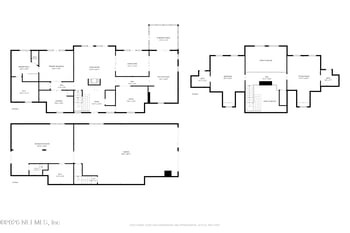
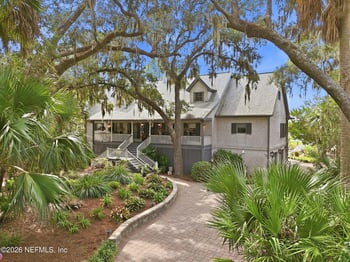
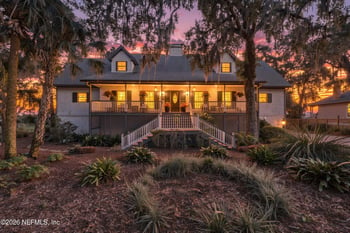
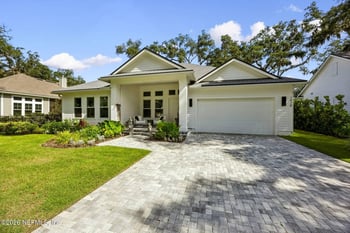
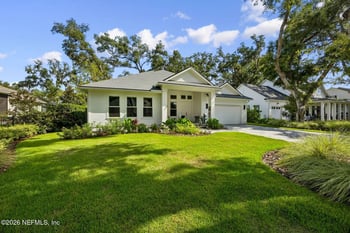
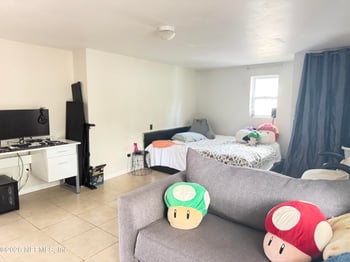
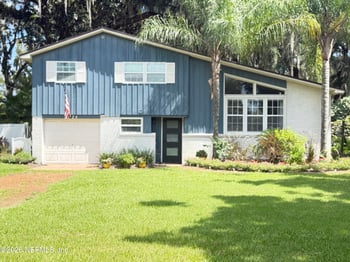
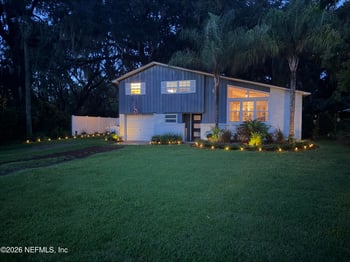
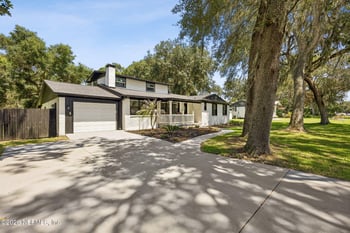
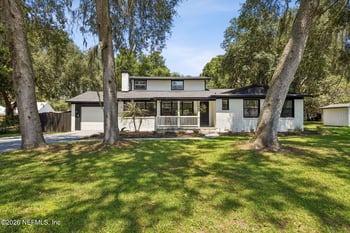
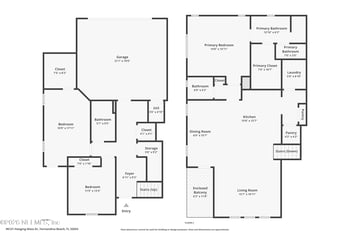
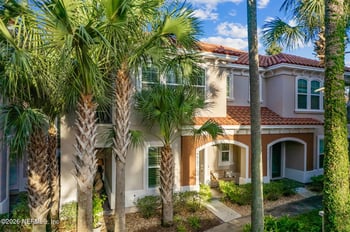
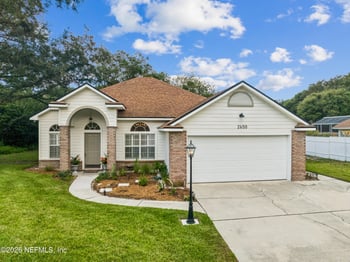
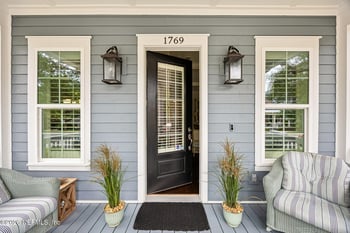
About the home listings below: The home search below, “Fernandina Beach High School district homes for sale”, uses the listing system’s Fernandina Beach high-school label. It may show active, pending, or coming-soon homes, and listing status can change. These results are useful for browsing, but they do not confirm a property’s high-school assignment, its elementary or middle school, or enrollment eligibility. Verify each home’s current availability separately and check its address against the district sources above.
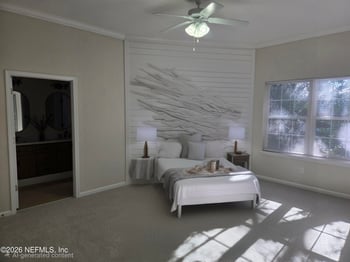

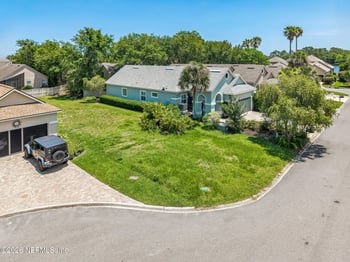
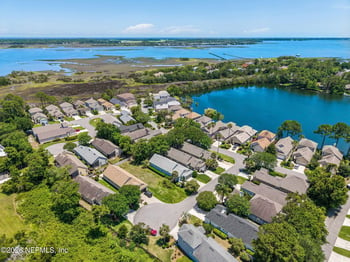
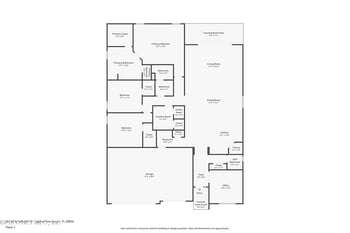
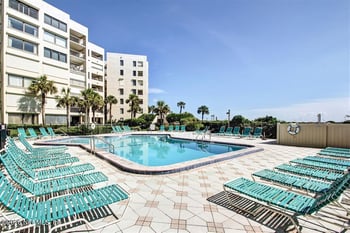
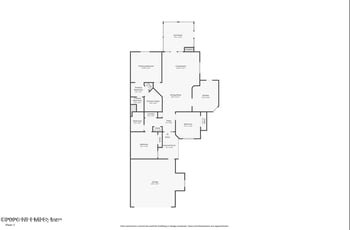

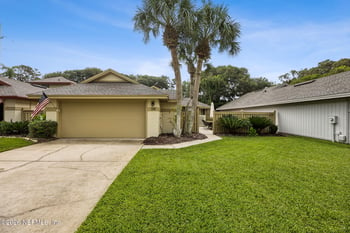
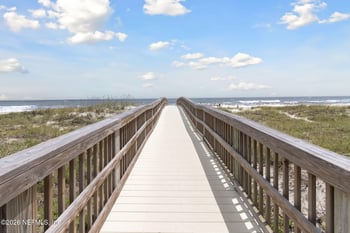


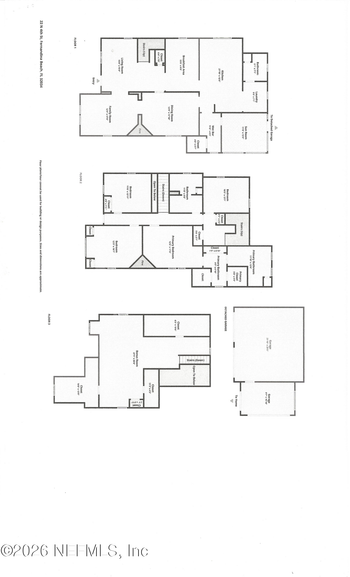
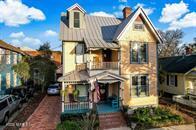
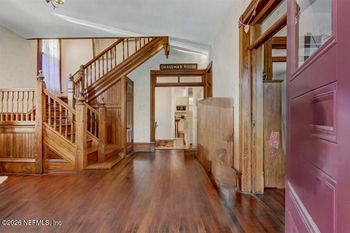
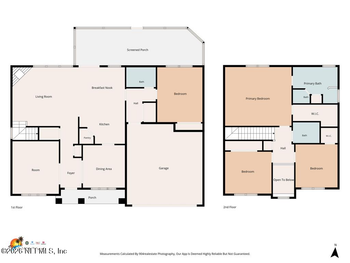

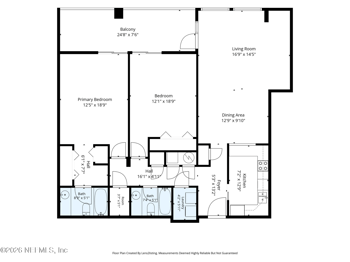
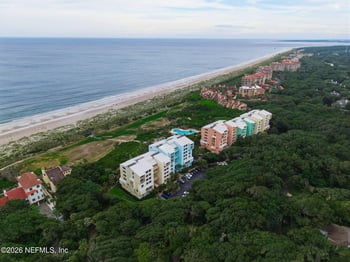

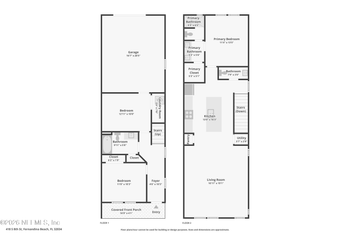

FAQ • Nassau County Schools • Fernandina Beach
Six common questions when a home purchase and a school move happen together. School-year details below refer to the published 2026–27 district materials.
_0003.jpg)
If you’re shopping in Northeast Florida, “flood zone” often comes up after you’ve already noticed the porch, the backyard, or a commute that finally works. Then you see a flood-zone code on a map: AE, perhaps, or X. Neither one tells you whether water has reached the house before, whether the street drains after a summer storm, or what insurance might cost. Here, water can rise from rivers and cr
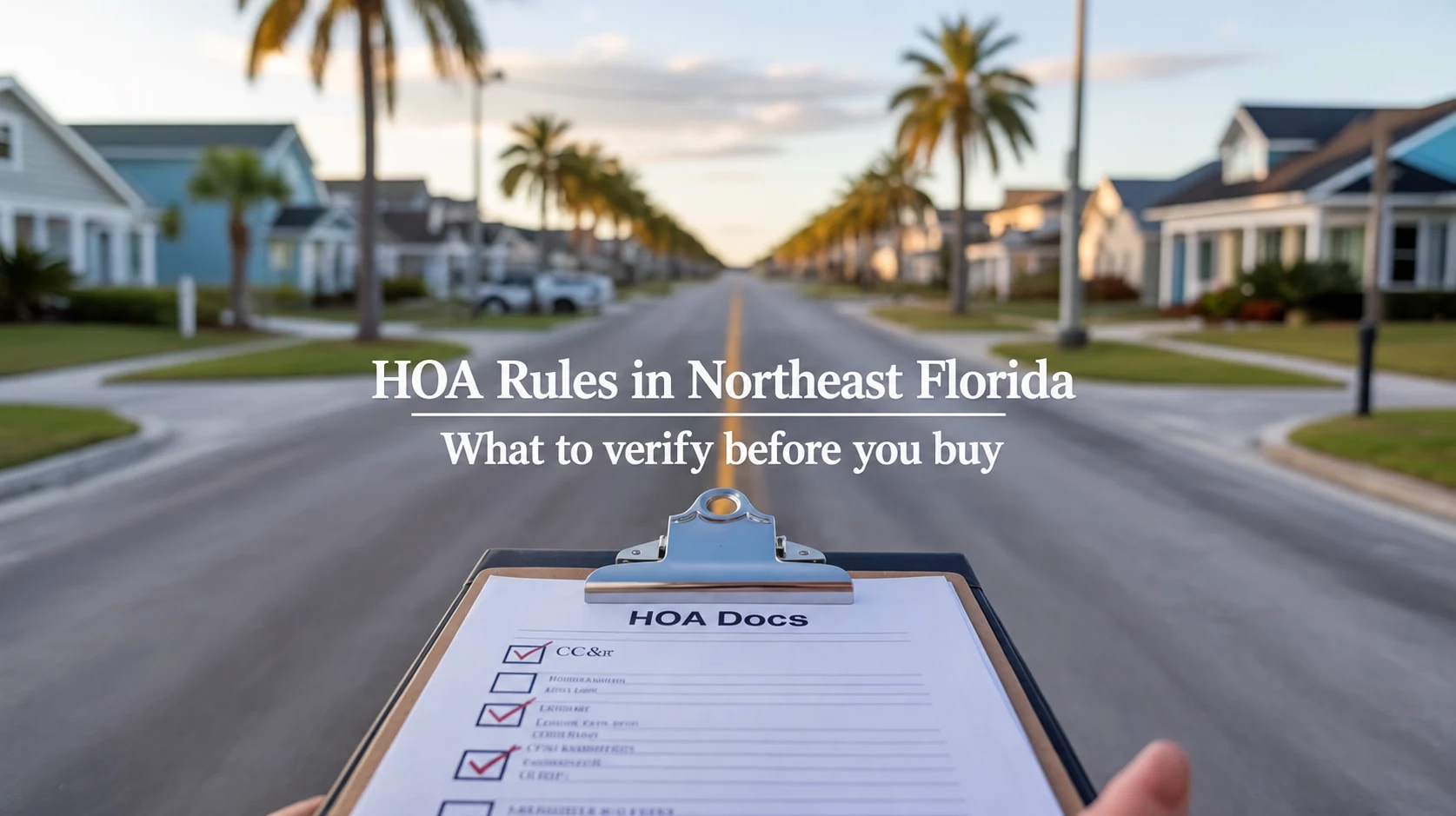
The house seems to fit. The driveway accommodates the work van, and the backyard has room for a fence. Then you open the HOA packet: parking restrictions, exterior approvals, and a rental rule you hadn’t considered. Here’s the Florida wrinkle: not every restriction printed in an HOA handbook is necessarily enforceable. Before buying in Northeast Florida, you need to know what applies to this part

The blue tape on a new kitchen cabinet is easy to spot. Water collecting beside the house after a Northeast Florida downpour may not be. Both deserve attention, but they raise very different questions about what needs fixing before closing and what happens afterward.Buying new construction in Duval, St. Johns, Clay, or Nassau County means keeping four things straight: an independent inspection, t
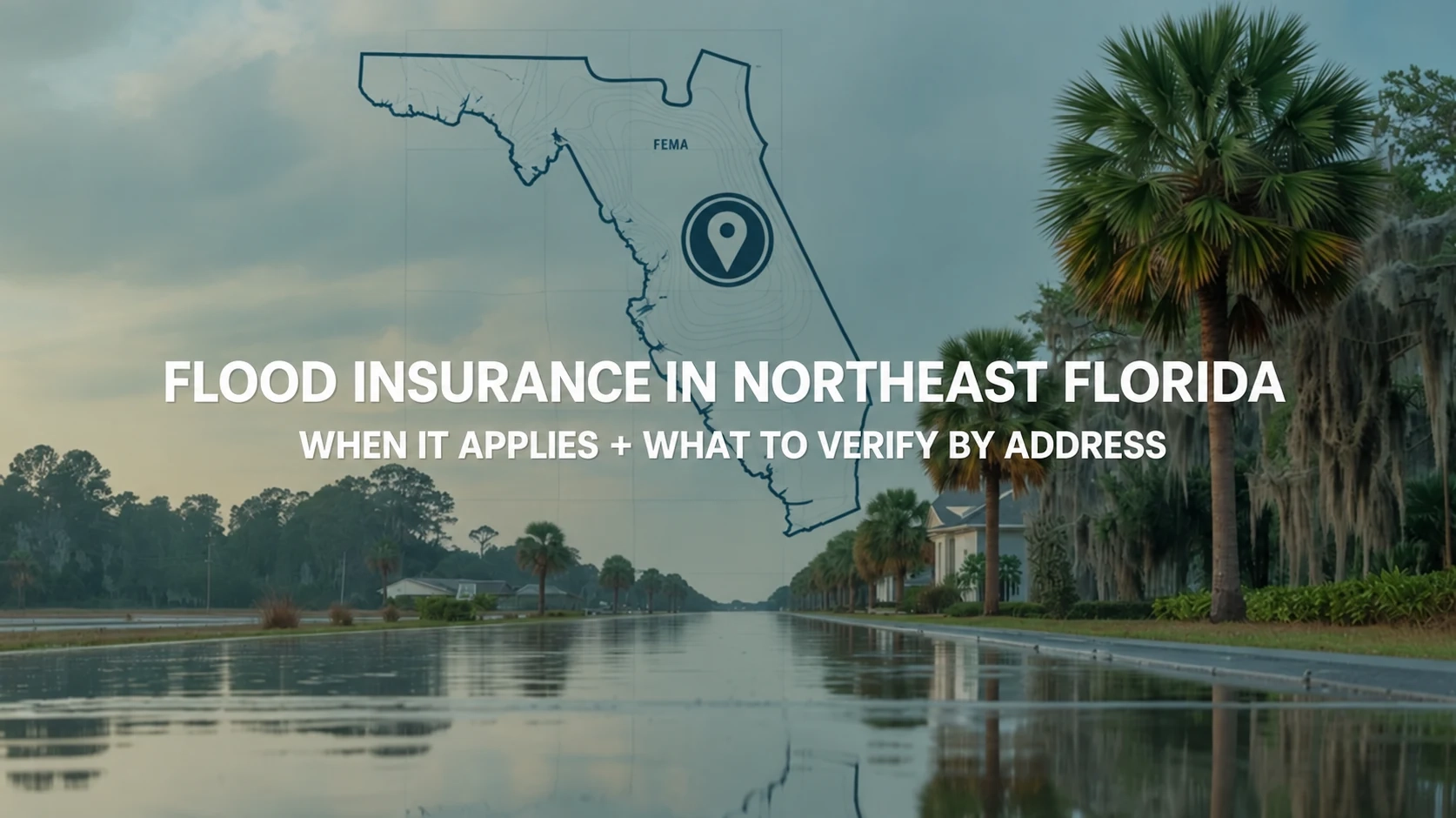
A home can sit in FEMA Zone X and still come with a flood-insurance requirement. The map is not necessarily wrong. It is answering a different question from the mortgage lender or the homeowners insurer.Consider a Zone X house in Clay County. A lender might not require a flood policy, yet an eligible Citizens homeowners policy could require one because of the amount of dwelling coverage. And when
A home near Centre Street can put dinner and the Amelia River waterfront within walking distance. A home near an Atlantic beach entrance can put the sand closer, but downtown may be a drive. Both are island living; they are not the same daily routine.Fernandina Beach sits on Amelia Island, but the city limits do not cover every island property. Historic downtown, the beachfront along Fletcher Ave